Scout market
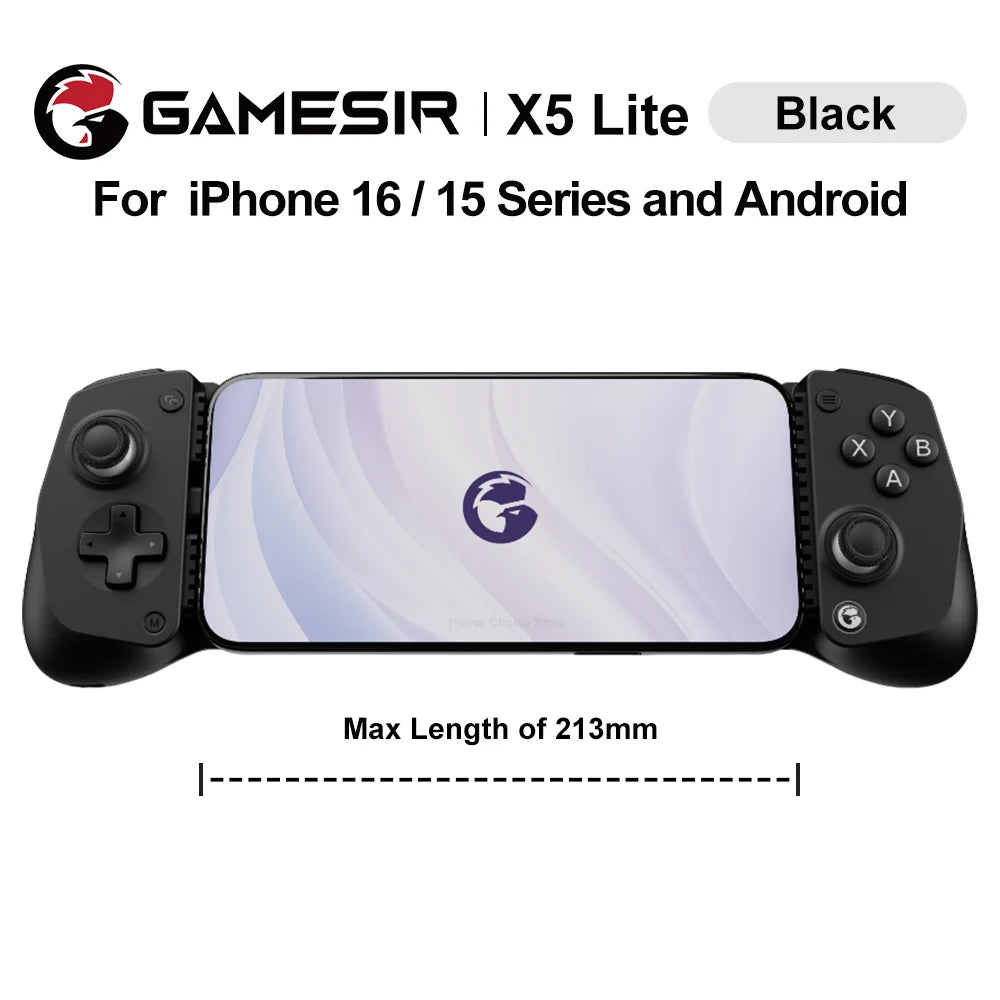
GameSir X5 Lite Mobile Gaming Controller Phone Gamepads for iPhone 16 15 Series IOS iPad Mini Y700 Android Tablet Controle
GameSir X5 Lite Mobile Gaming Controller Phone Gamepads for iPhone 16 15 Series IOS iPad Mini Y700 Android Tablet Controle
Couldn't load pickup availability
SPECIFICATIONS
ABXY Switch Type: MEMBRANE
Battery Included: no
Brand Name: GameSir
Bumpers Switch Type: Tactile switch
Certification: CE
Choice: yes
Compatible Brand/Model: Mobile Device
Compatible Platform: Android,iOS,iPhone 16/15 Series,iPad Mini, Android
D-pad Switch Type: MEMBRANE
GameSir Model: X5 Lite
Grips: Laser Engraved Textured Grips
Hall Effect: Yes
High-concerned chemical: None
Interface Type: Type C
Joystick Sensor Module Brand/Type: Hall
Mobile Device Model: Android Smartphones
Model Number: GameSir-X5 Lite
Origin: Mainland China
Package: Yes
RGB lighting joysticks: No
Support Software configuration: Yes
Trigger Button Type: Non-Linear
Type: Gamepads
Wear-resistant joysticks: No
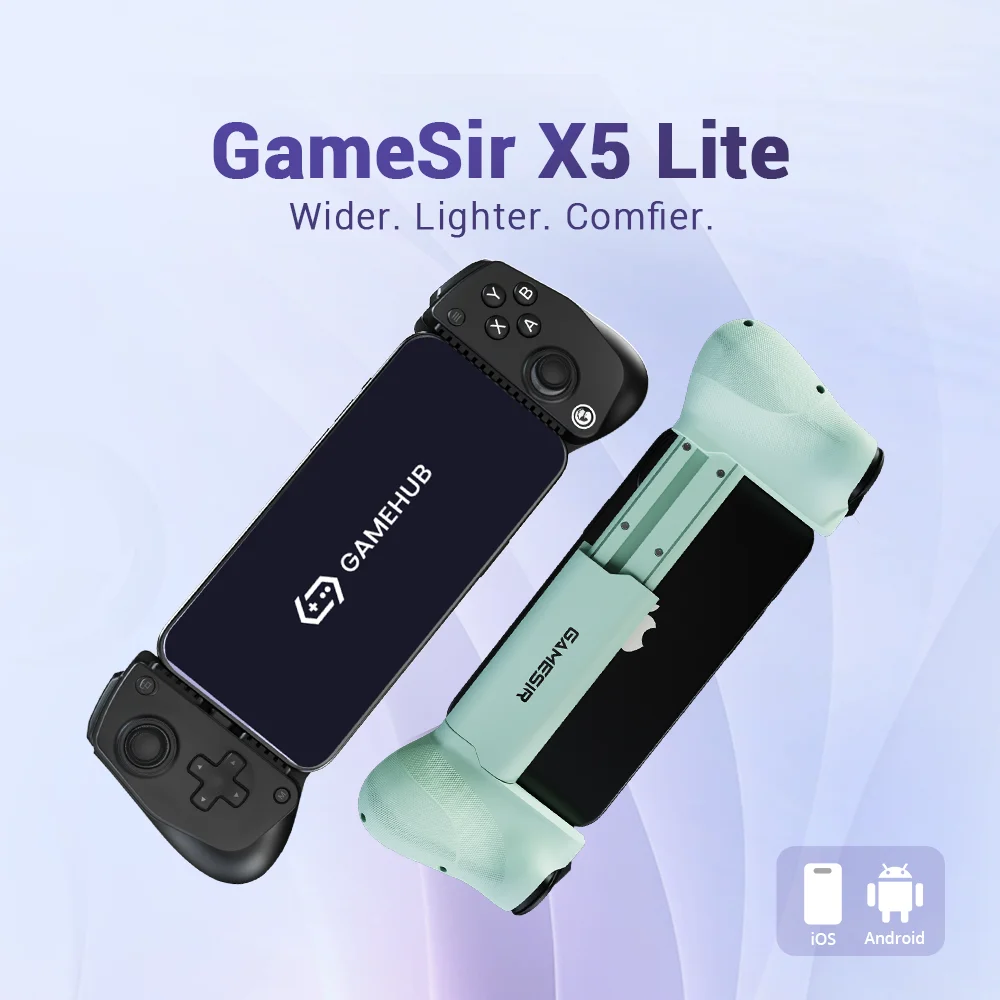
The GameSir X5 Lite is the ideal entry-level mobile controller, offering seamless connectivity and wide compatibility. With precise Hall Effect sticks, cushioned triggers, and Turbo function, it enhances your gaming experience. Its lightweight design ensures comfort during long gaming sessions. Plus, pass-through charging and software support ensure uninterrupted play and personalization for all your favorite titles.
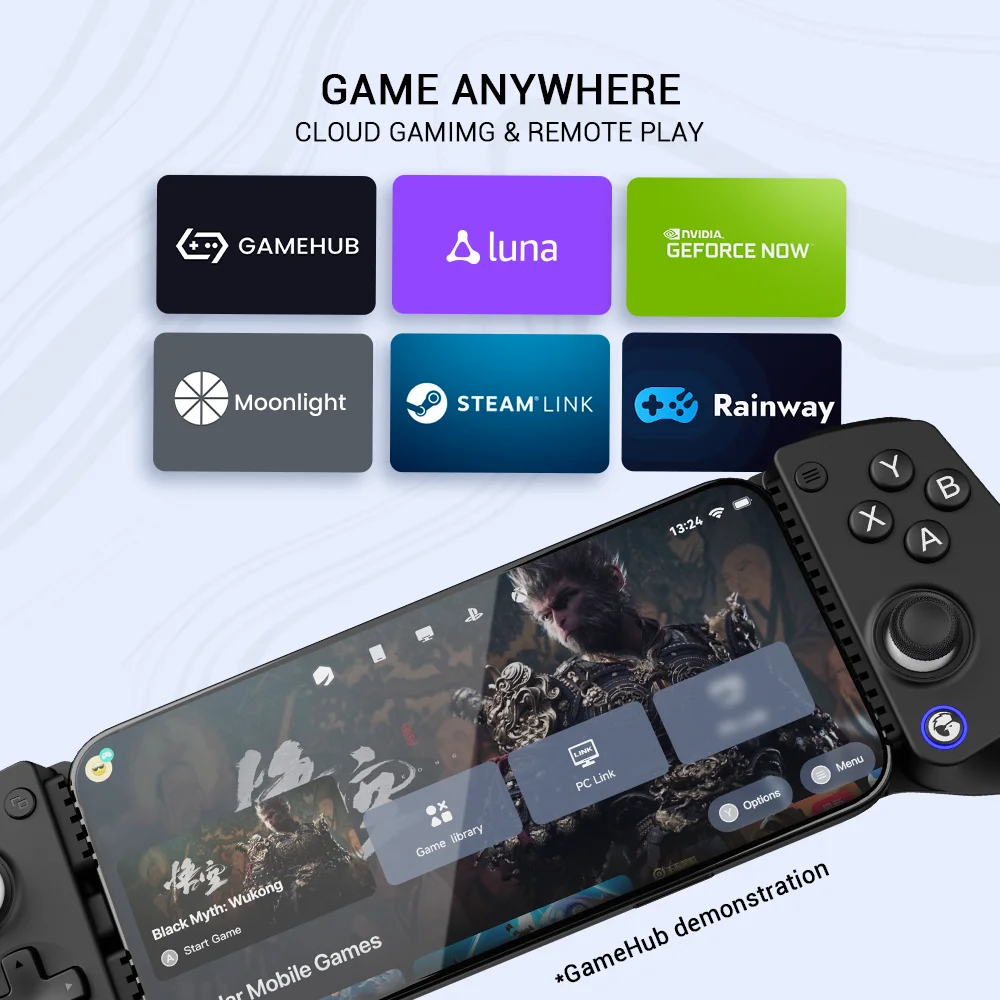
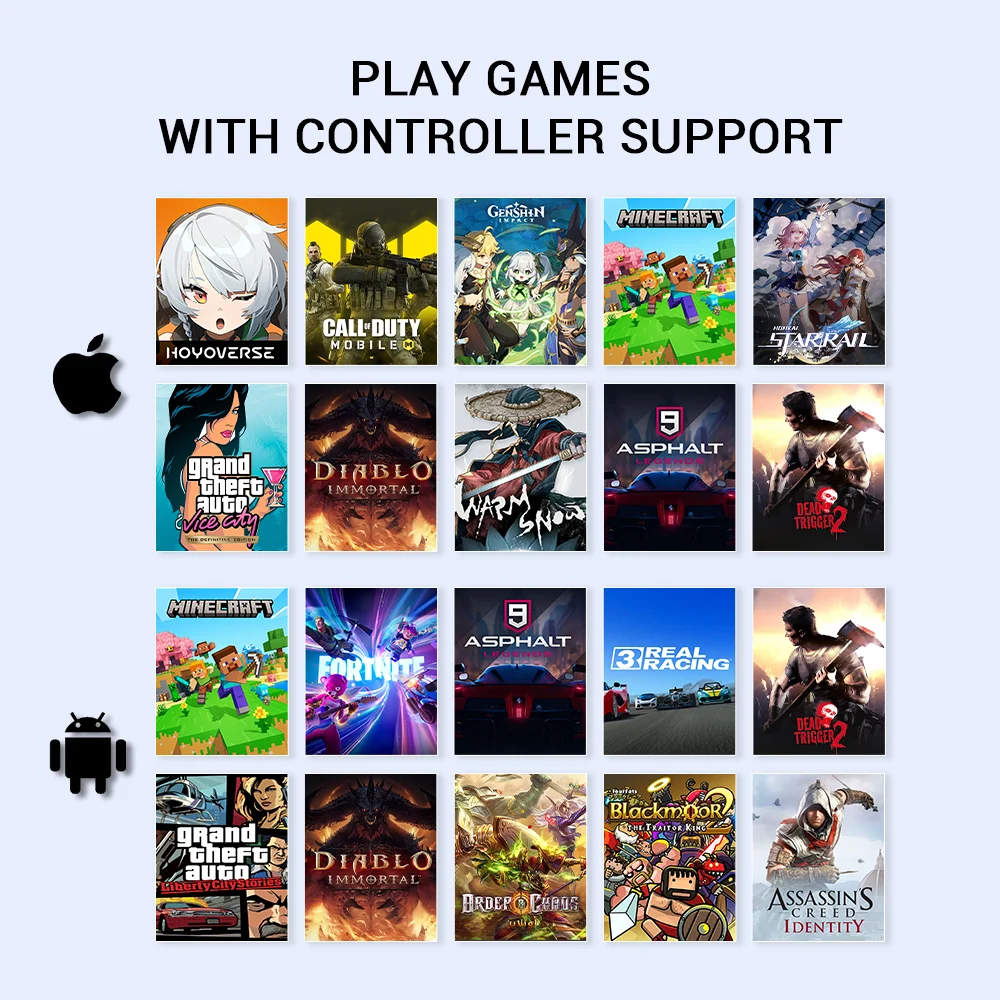
Seamless Connectivity and Wide Compatibility
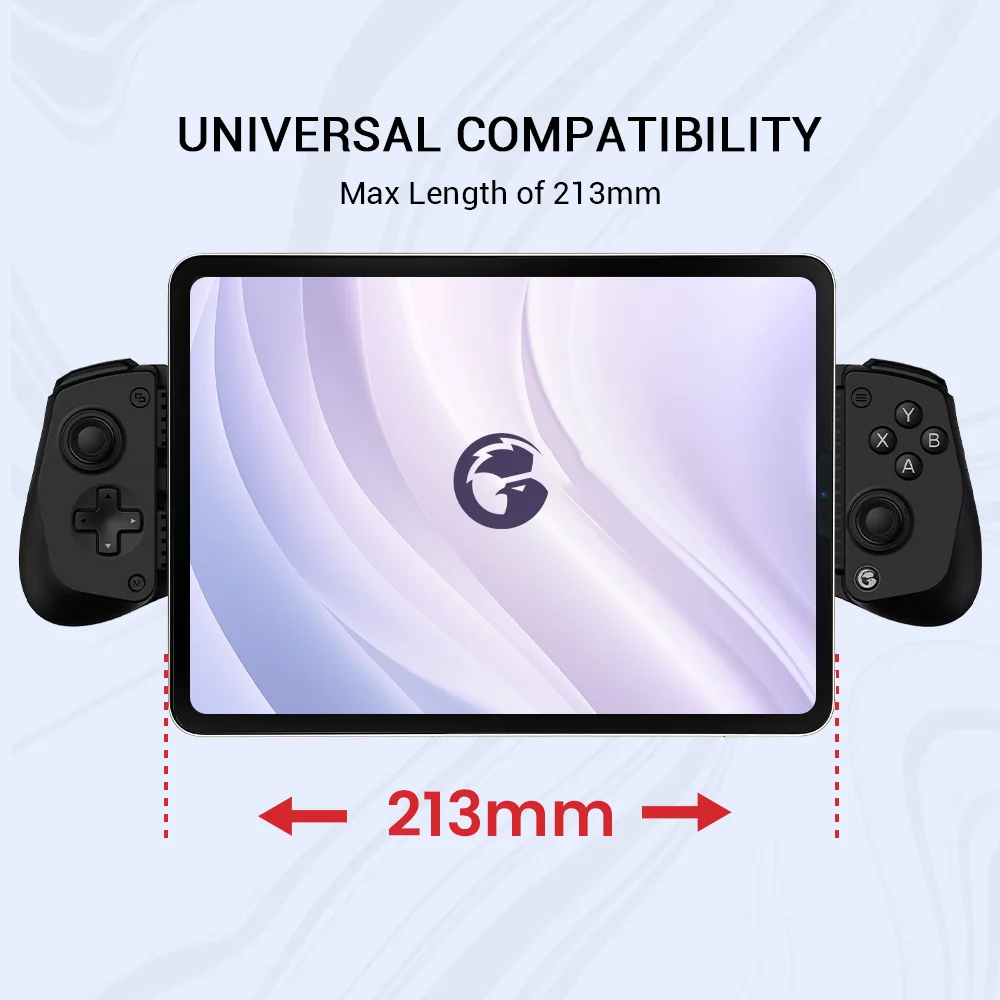
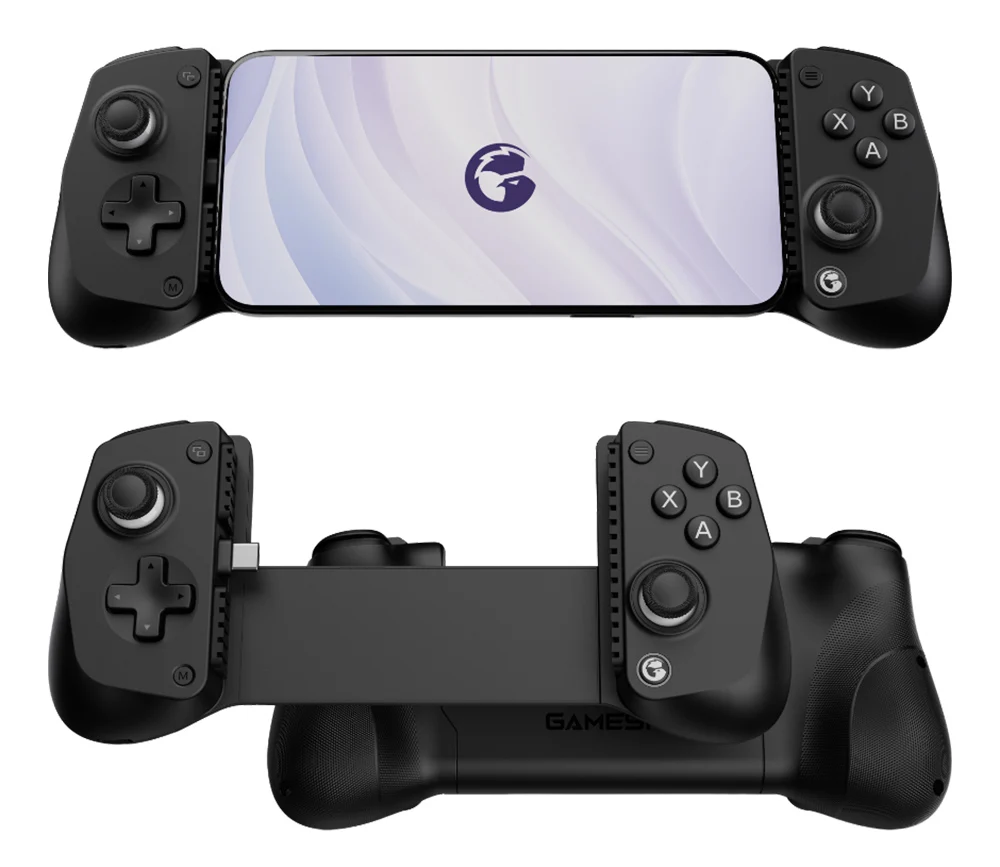
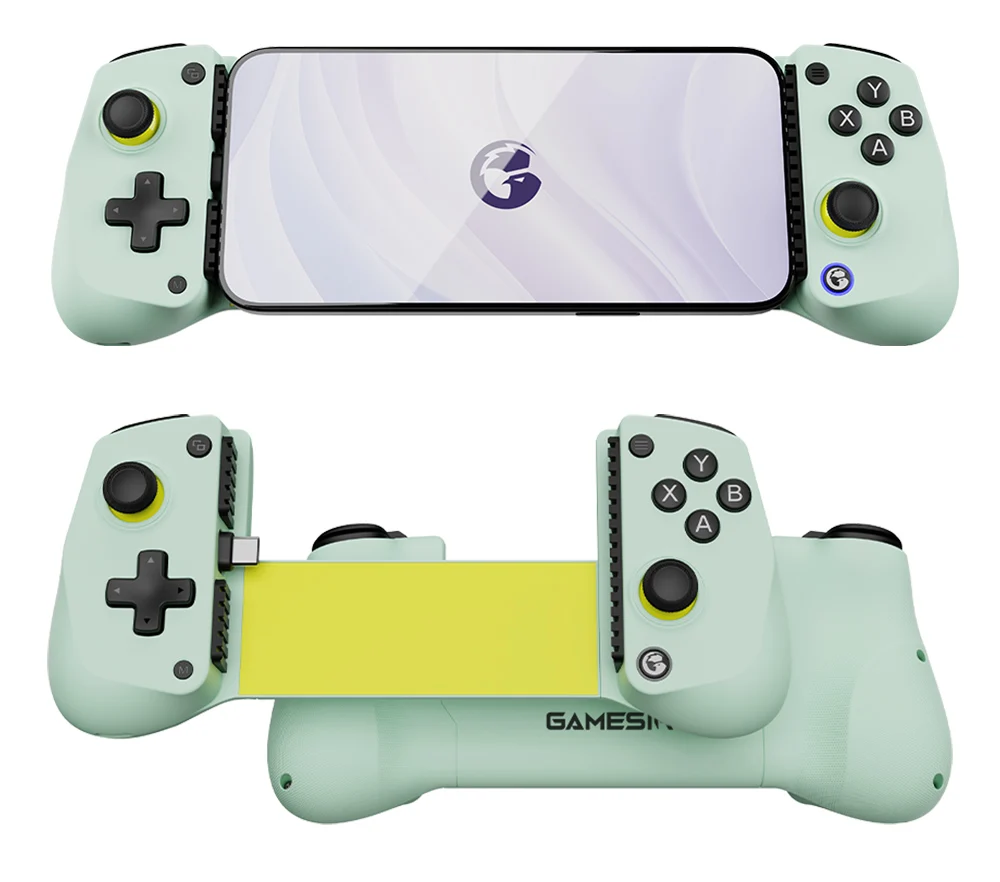
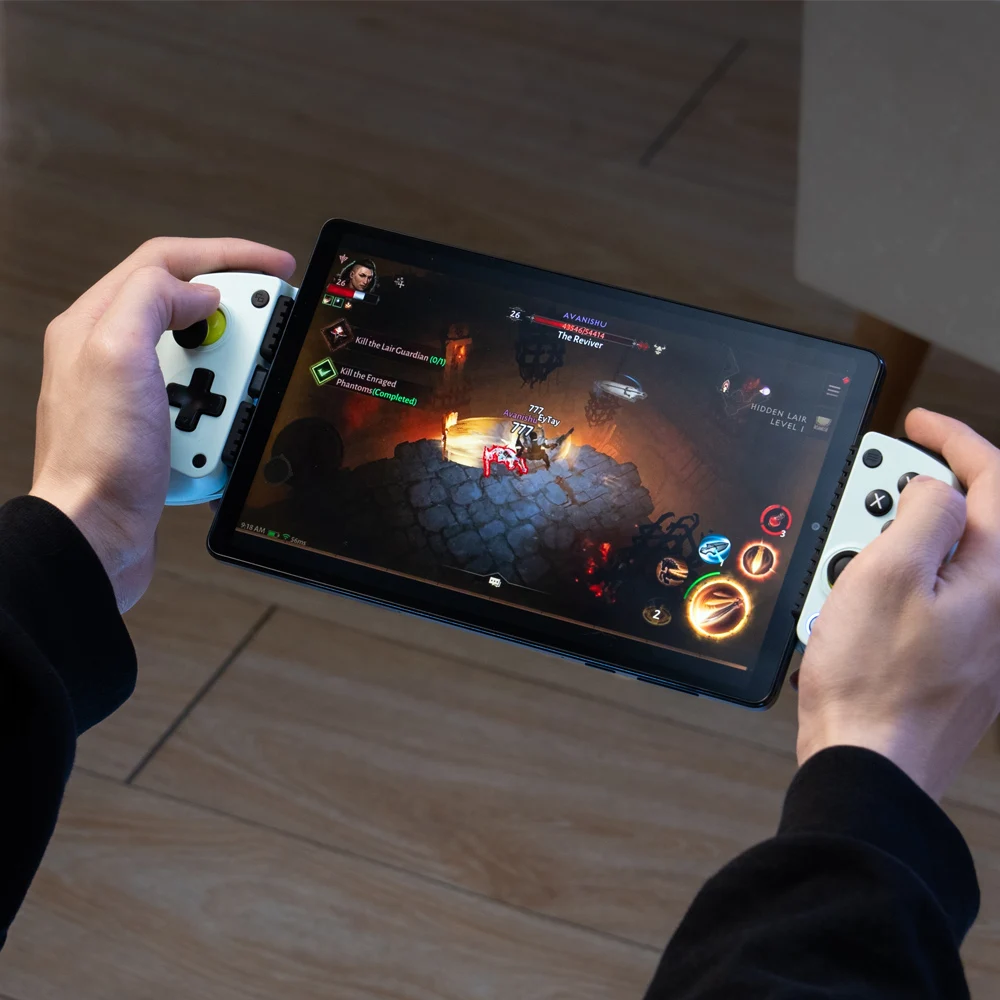
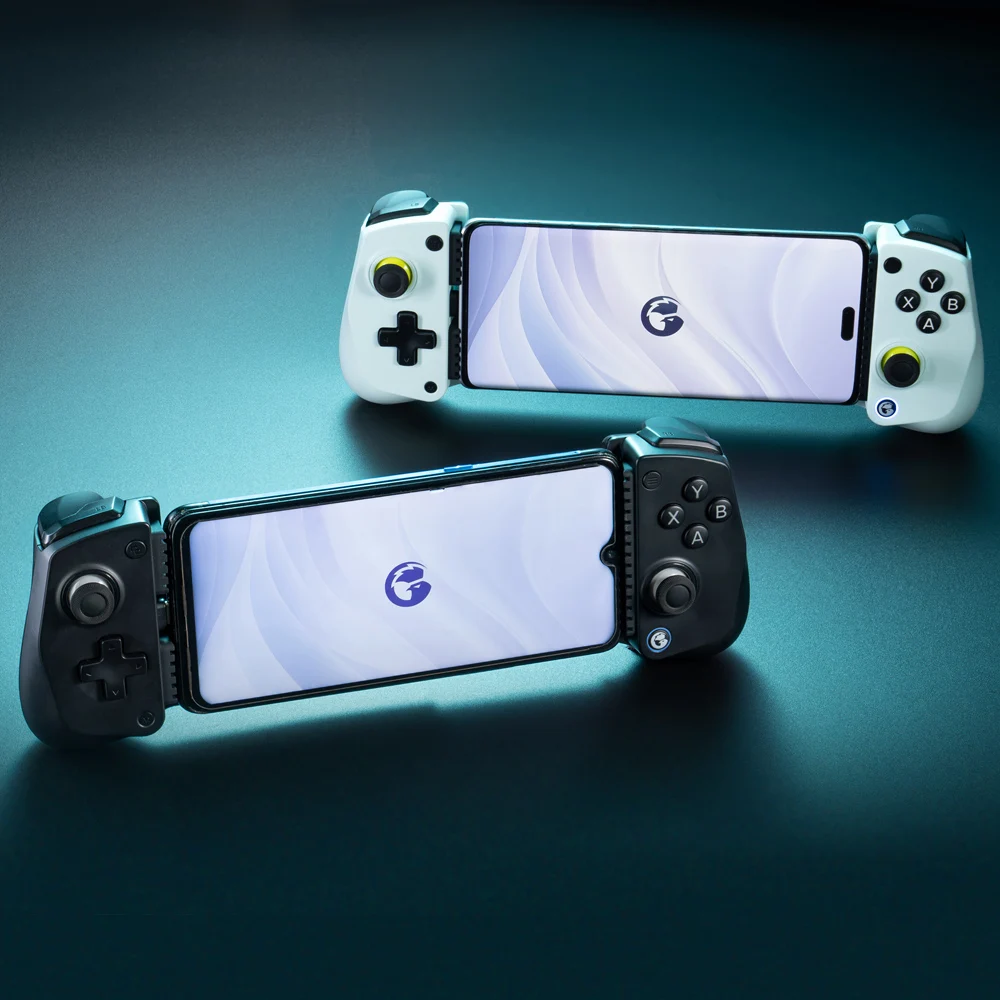
Designed for flexibility, the X5 Lite offers wide compatibility with multiple devices. Effortlessly connect to Android and iOS devices measuring between 105mm-213mm. Enjoy ultra-low latency gaming sessions with the GameSir™ movable Type-C port for a secure connection and lag-free play.
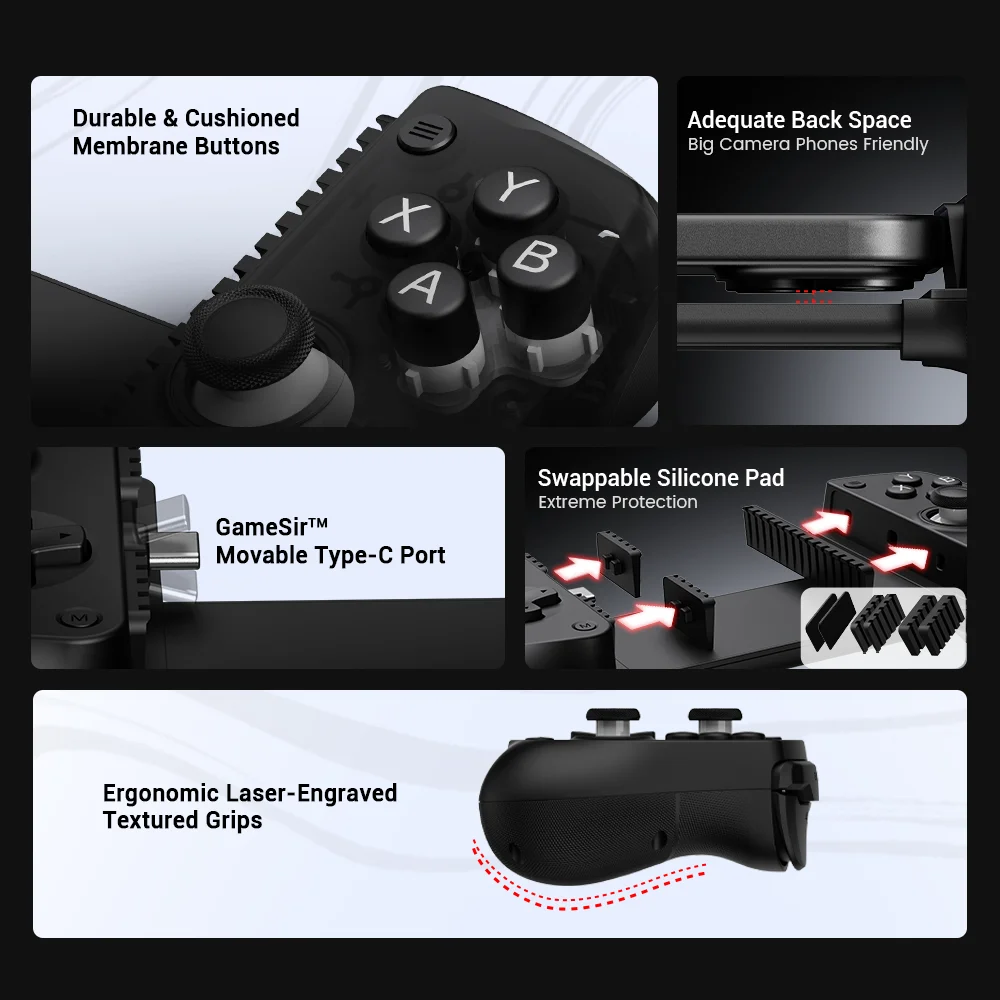
Cushioned and Durable Membrane Triggers and Buttons
The X5 Lite is equipped with cushioned and durable membrane triggers and buttons. The cushioned feedback provides a comfortable experience while ensuring quieter operation.
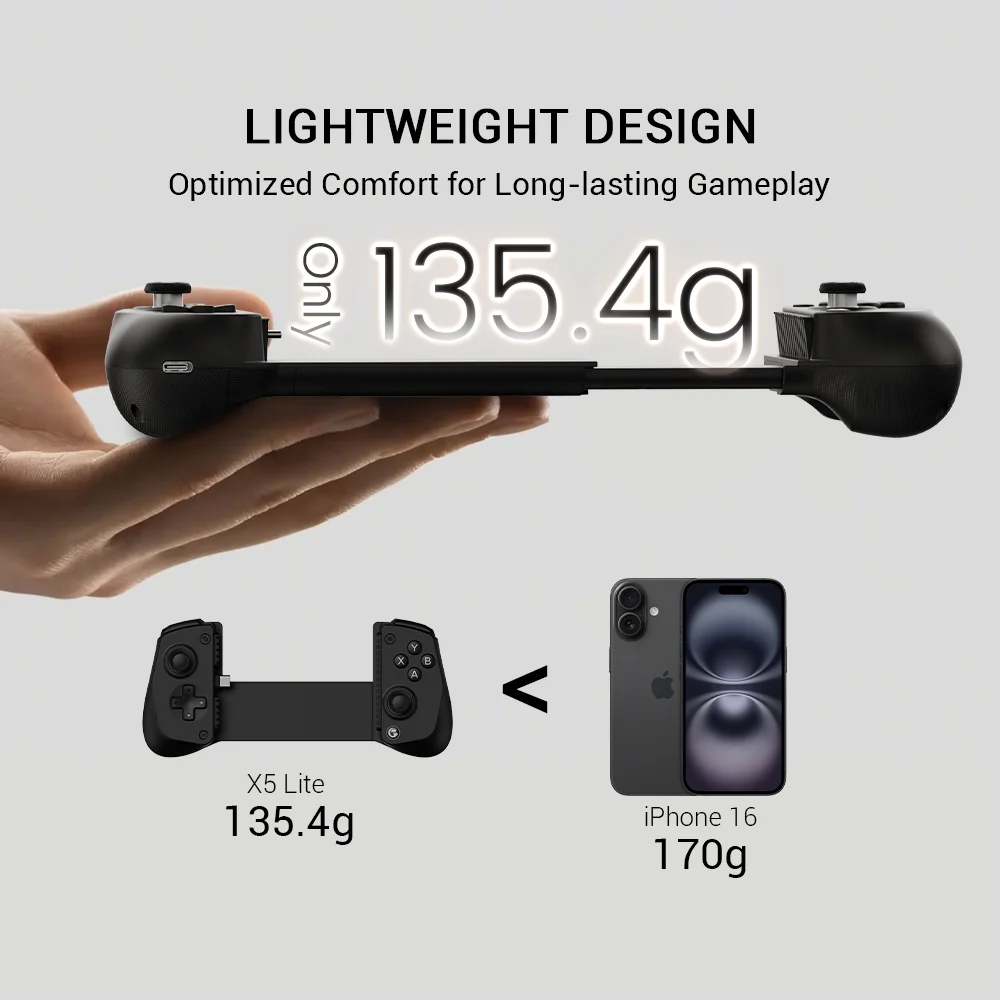
Ergonomic and Lightweight Design for Extreme Comfort
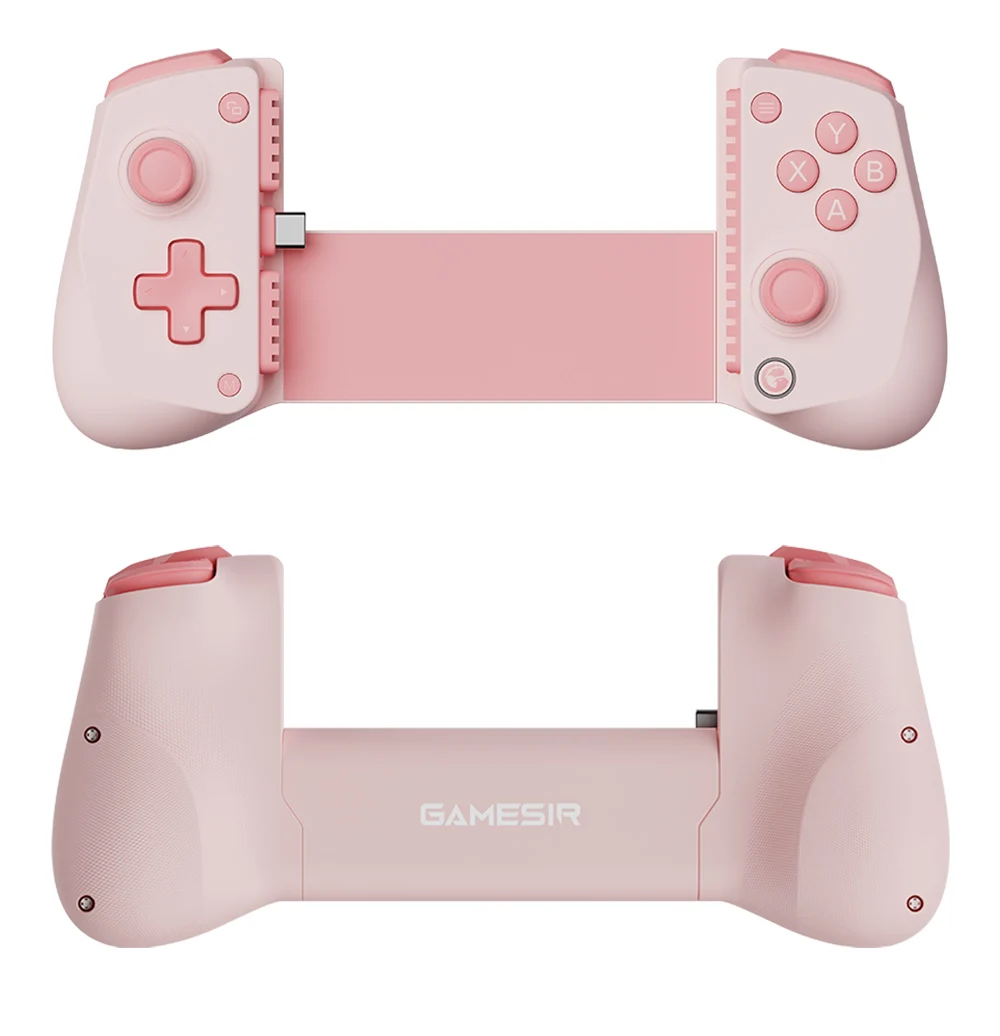
Stay comfortable during long gaming sessions with the X5 Lite. Weighing just 135.4g, its lightweight design and ergonomically laser-engraved textured grips ensure a secure, comfortable hold for hours of gameplay.

Precise and Anti-drift: GameSir™ Hall Effect Sticks
Equipped with GameSir’s advanced Hall Effect sticks, this controller ensures pinpoint accuracy with 360° seamless control. Built for precision and longevity, these sticks are highly responsive and immune to wear and tear, allowing gamers to elevate their gameplay across various titles.
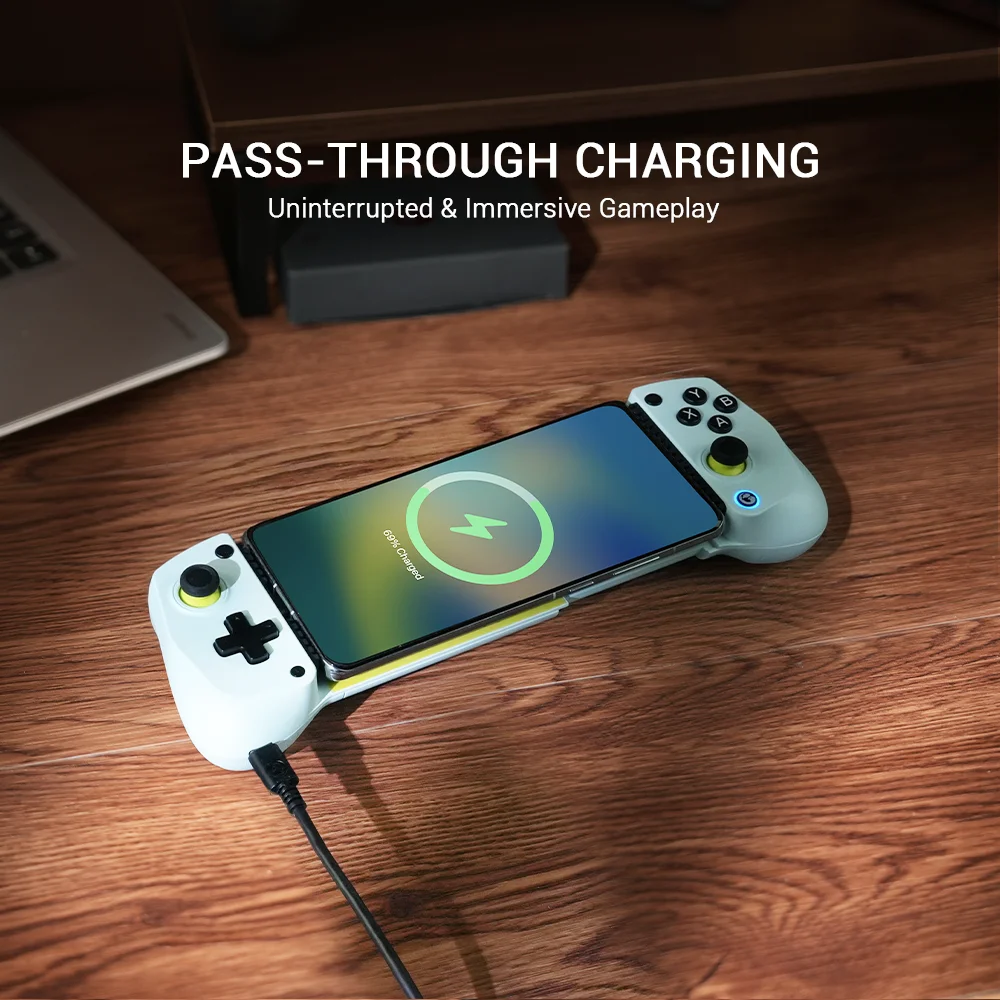
Pass-through Charging for Uninterrupted Gameplay
X5 Lite offers pass-through charging, allowing gamers to continue playing while charging your device. This feature ensures uninterrupted gameplay, even during extended sessions.

Turbo Function for Enhanced Gameplay
The X5 Lite features a Turbo function with customizable buttons, including A/B/X/Y/LB/RB/LT/RT. This allows gamers to tailor Turbo settings for different games, enabling faster and more efficient gameplay by automating repeated button presses.
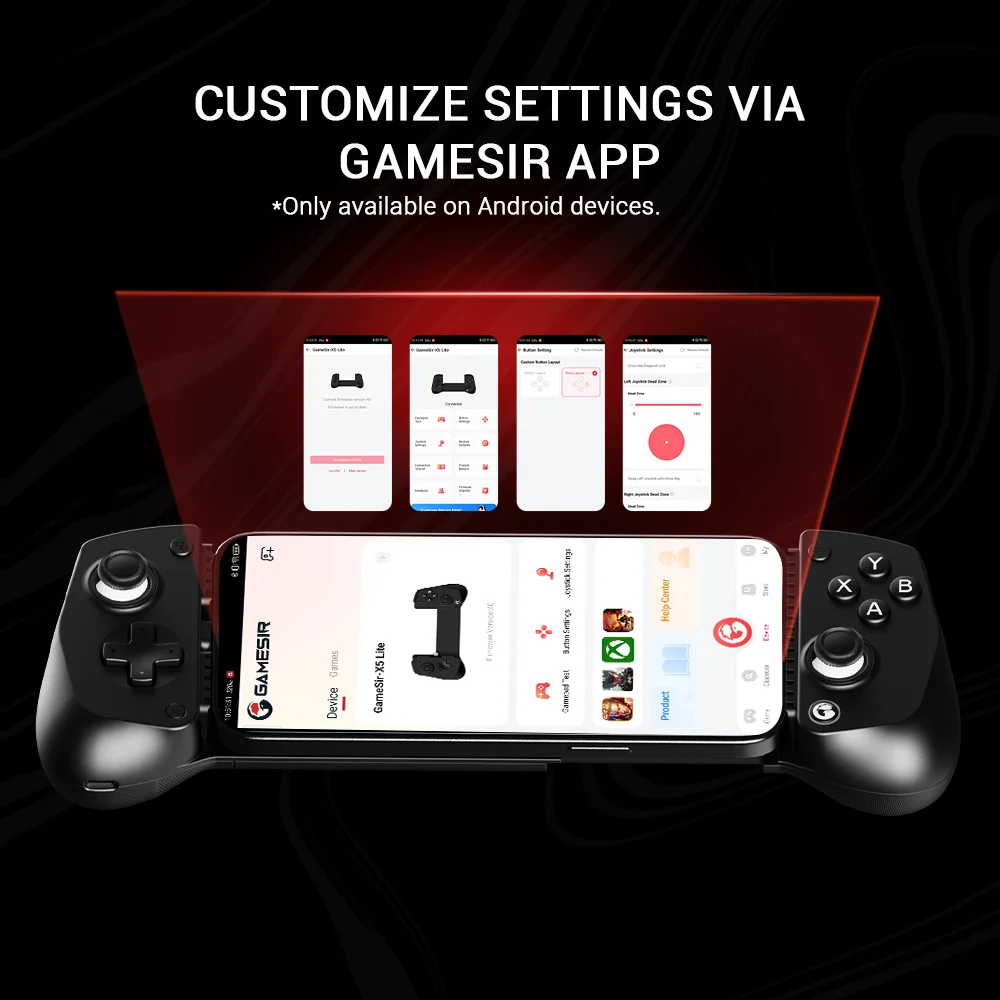
Software Customization
By downloading the GameSir app on your mobile, gamers can customize the controller to suit their needs. Some features can also be accessed through on-the-fly button combinations, ensuring seamless adjustments during gameplay.
Tech Specs:
Compatible Platform: iPhone 16/15 series, iPad mini, and Android
Connection: Built-in Type-C wired connection
Compatible Phone Length: 105-213mm / 4.13-8.39in
Sticks: GameSirTM Hall Effect sticks
Triggers: Membrane triggers
ABXY Buttons: Membrane
D-pad: Membrane
Battery: No
Turbo Function: Yes
Grips: Laser engraved textured grips
Customization Software: Yes, GameSir App
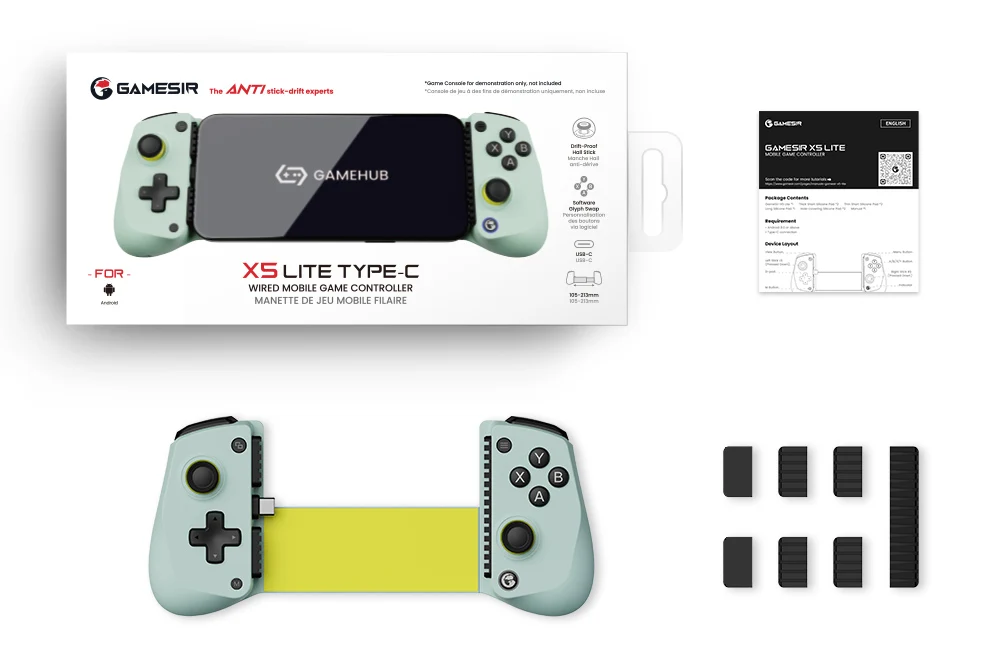
Color: Wasabi
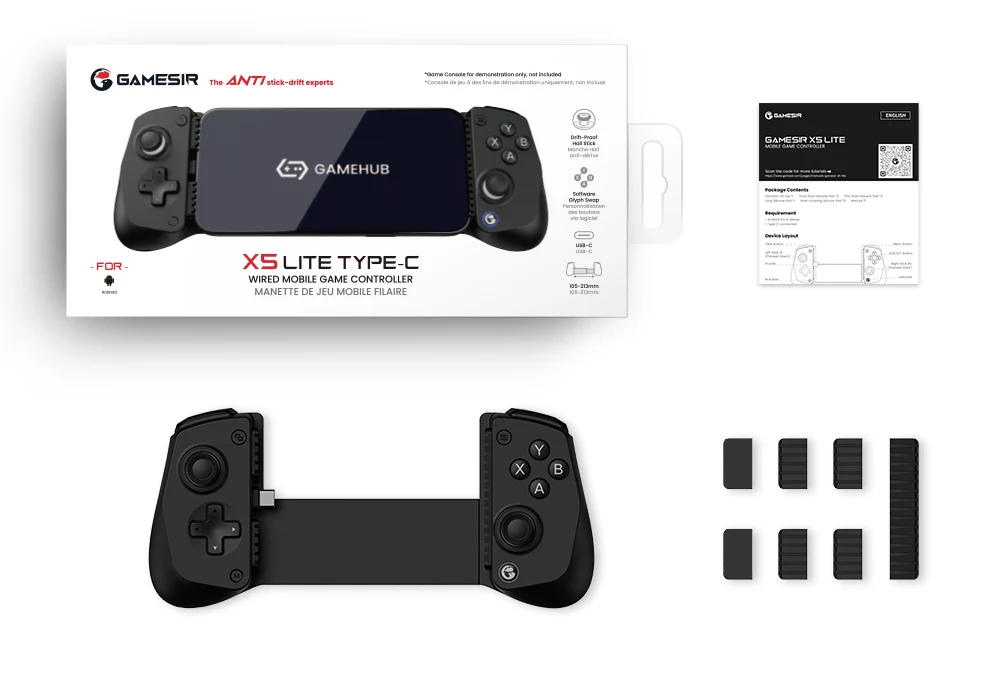
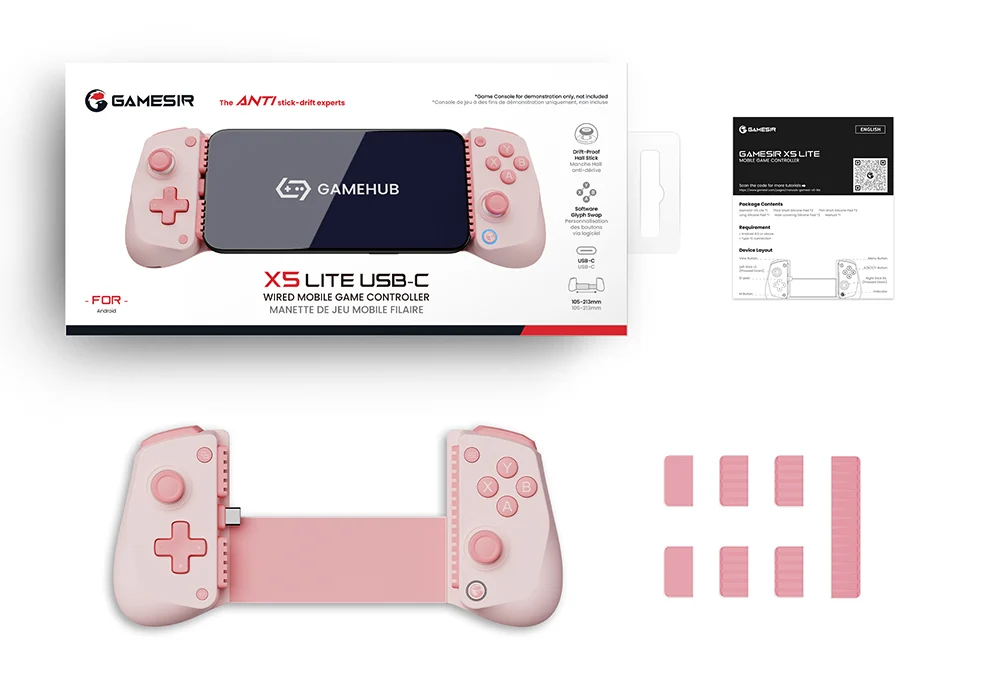
Packaging Contents:
GameSir-X5 Lite *1
Thick Short Silicone Pad *2
Thin Short Silicone Pad *2
Long Silicone Pad *1
Hole-covering Silicone Pad *2
Manual *1
Certification *1
Notice:
Solutions for Connection Failure and Startup Failure
If X5 lite can't connect to your phone, Please make sure you've followed the 3 troubleshooting steps below
1. Is the Type-C interface physically fully connected? When connecting the X5 Lite controller, ensure the plug is fully inserted into the phone. If the controller plug is still visible after connection, you will need remove your phone protective case or replace the controller's silicone pad with the thinner replacement pad provided for you. Once the controller plug is no longer visible and the logo button of the X5 Lite controller starts flashing, you have successfully connected.
2. Make sure the OTG function is enabled in phone settings commonly on Xiaomi, OPPO, VIVO, Realme, and iQOO phones.
3. Make sure the USB debugging feature on your phone is enabled.
Package Note & Compatibility
Packaging shows “Android” only due to space limits. This controller fully supports iOS, Android, iPad Mini & Y700 tablet.